
- Project Management and Task Tracking Tools
- Code Editors and IDEs
- Version Control and Code Collaboration
- Communication and Video Conferencing
- Time Tracking and Invoicing Software
- Cloud Storage and File Sharing
- Testing and Debugging Tools
- Password Management and Security
- Frequently Asked Questions
- Conclusion
Freelance developers need the right toolkit to compete in today’s market. The right software saves time, improves code quality, and helps manage clients effectively. This guide covers essential tools every freelance developer should consider in 2024.
📋 Table of Contents
- Project Management and Task Tracking Tools
- Code Editors and IDEs
- Version Control and Code Collaboration
- Communication and Video Conferencing
- Time Tracking and Invoicing Software
- Cloud Storage and File Sharing
- Testing and Debugging Tools
- Password Management and Security
- Frequently Asked Questions
- Conclusion
Freelance developers need the right toolkit to compete in today’s market. The right software saves time, improves code quality, and helps manage clients effectively. This guide covers essential tools …
Project Management and Task Tracking Tools
Staying organized is critical for freelancers juggling multiple clients. Trello offers a visual kanban board perfect for tracking tasks across projects. Its free tier works well for solo developers. Asana provides more advanced features like timeline views and dependencies. For developers who prefer simplicity, Notion combines notes, databases, and tasks in one workspace. It’s highly customizable and great for client documentation. ClickUp is another all-in-one option with time tracking built in. Monday.com works best for developers managing teams or subcontractors. Choose based on your workflow complexity. Simple projects need simple tools. Complex client work demands robust features. Most offer free trials so test before committing.
Code Editors and IDEs
🎨 AI Generated: Code Editors and IDEs
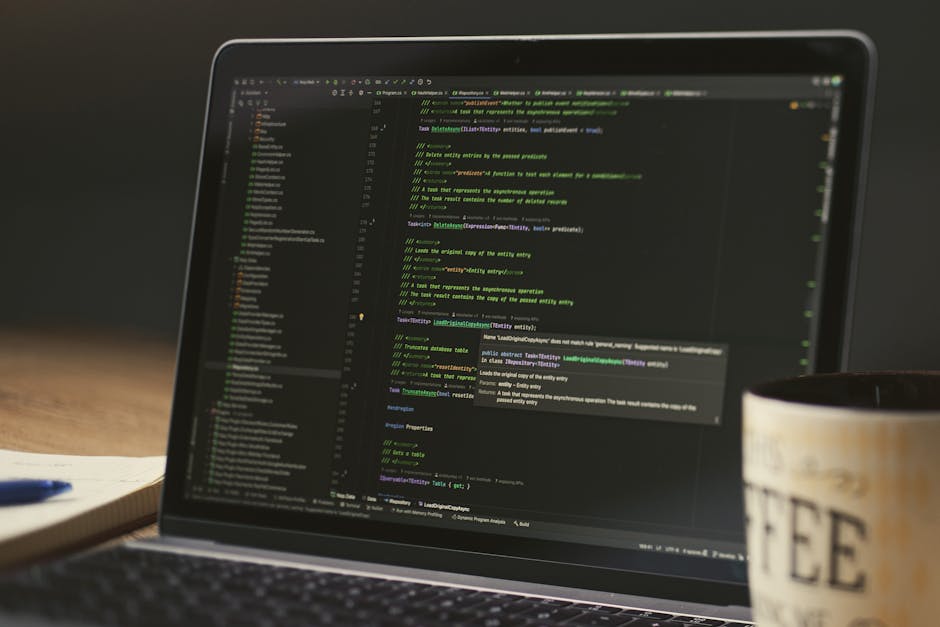
Visual Studio Code dominates the freelance developer space. It’s free, fast, and supports virtually every language through extensions. The integrated terminal and Git support streamline workflows. JetBrains IDEs like WebStorm, PyCharm, and IntelliJ IDEA offer powerful refactoring and debugging. They cost money but provide advanced code intelligence. Sublime Text remains popular for its speed and minimalist interface. Vim and Neovim appeal to keyboard-focused developers seeking maximum efficiency. Your choice depends on your stack and preferences. VS Code fits most freelancers due to its versatility and cost. Premium IDEs make sense when working with large codebases. Many developers use multiple editors for different project types. Invest time learning keyboard shortcuts to maximize productivity.
Version Control and Code Collaboration
GitHub is essential for modern developers. It hosts repositories, facilitates code review, and showcases your portfolio. The free tier includes private repos and basic CI/CD. GitLab offers similar features with better built-in DevOps tools. Bitbucket integrates tightly with Atlassian products like Jira. All three support pull requests and branch protection. For version control GUI, GitKraken simplifies complex Git operations visually. Sourcetree is another free alternative from Atlassian. Most freelancers stick with command-line Git for speed. Understanding branching strategies like Git Flow helps manage client projects. Regular commits with clear messages demonstrate professionalism. Clients appreciate transparent development progress through repository access.
Communication and Video Conferencing

🎨 AI Generated: Communication and Video Conferencing
Clear communication prevents project failures. Slack remains the standard for text-based team chat. Its channels organize conversations by project or topic. Free plans work for small client bases. Discord offers similar features with better voice quality for free. Zoom dominates video meetings with reliable quality and screen sharing. The free tier allows 40-minute meetings. Google Meet integrates seamlessly with Google Workspace. Microsoft Teams works best when clients use Microsoft 365. Loom records quick video updates instead of lengthy emails. This saves time explaining complex concepts. CalendlySchedule meetings without email ping-pong. It syncs with your calendar and offers time zone detection. Professional communication builds trust and leads to repeat business.
Time Tracking and Invoicing Software
Accurate time tracking ensures fair payment. Toggl Track offers simple one-click timers with detailed reports. It integrates with project management tools. Harvest combines time tracking with invoicing in one platform. Clockify provides unlimited tracking completely free. For invoicing, FreshBooks suits freelancers with its professional templates and expense tracking. Wave is completely free with basic invoicing and accounting features. QuickBooks Self-Employed helps with tax preparation. Stripe and PayPal enable easy payment collection. Choose software that reduces administrative overhead. Automated invoicing saves hours monthly. Many tools offer mobile apps for tracking time on the go. Regular invoicing improves cash flow consistency.
Cloud Storage and File Sharing

🎨 AI Generated: Cloud Storage and File Sharing
Reliable file storage protects your work and enables collaboration. Google Drive offers 15GB free with excellent document collaboration. Dropbox provides reliable syncing across devices with 2GB free. Microsoft OneDrive integrates with Office apps and offers 5GB free. For developers, GitHub handles code while these services manage documents and assets. Sync.com and pCloud offer encrypted storage for sensitive client data. Always maintain local backups beyond cloud services. External hard drives or NAS devices provide additional security. Client files require special protection due to confidentiality agreements. Organized folder structures save time locating files. Share links instead of email attachments for large files. Version history features prevent accidental data loss.
Testing and Debugging Tools
Quality code requires thorough testing. Postman tests APIs with collections and automated testing scripts. The free version handles most freelance needs. Insomnia offers a cleaner interface for REST and GraphQL testing. Browser DevTools in Chrome and Firefox debug frontend issues effectively. Lighthouse audits web performance and accessibility. For mobile testing, BrowserStack and LambdaTest provide real device testing in the cloud. They’re pricey but essential for cross-platform projects. Jest and Pytest handle unit testing for JavaScript and Python respectively. Selenium automates browser testing for web applications. Investing in testing tools reduces bug-related revisions. Clients appreciate developers who deliver polished code. Automated tests demonstrate code quality and professionalism.
Password Management and Security
🎨 AI Generated: Password Management and Security
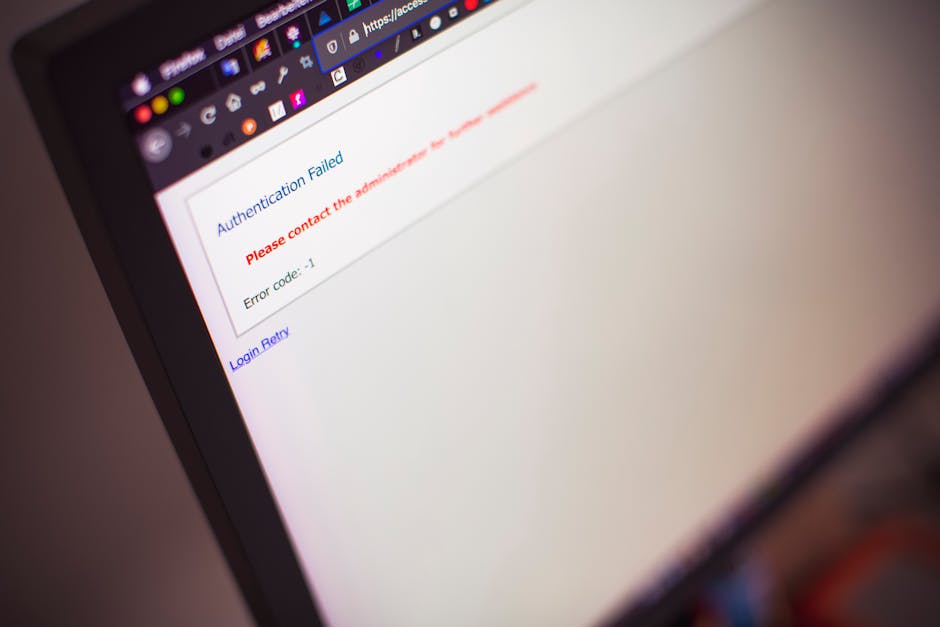
Freelancers access numerous client accounts and services. Password managers prevent security breaches. 1Password offers excellent features with family sharing options. LastPass provides a solid free tier for individual use. Bitwarden is open-source and privacy-focused. These tools generate strong passwords and autofill login forms. Two-factor authentication adds another security layer. Authy or Google Authenticator manage 2FA codes. VPNs like NordVPN or ExpressVPN protect data on public networks. They’re essential when working from cafes or coworking spaces. Keep software updated to patch security vulnerabilities. Use separate browsers or profiles for different clients. Security practices protect both your business and client data.
Frequently Asked Questions
Q: How much should freelance developers budget for tools annually?
A: Budget $500-$2000 annually depending on your stack. Many tools offer free tiers sufficient for starting out. As income grows, invest in premium versions that save time. Prioritize tools that directly generate revenue like project management and invoicing software.
Q: Can I use free tools exclusively as a freelance developer?
A: Yes, quality free tools exist for most categories. VS Code, GitHub, Clockify, and Wave cover core needs without cost. Upgrade to paid tools when free versions limit productivity or client work quality.
Q: Which tool category should freelancers prioritize first?
A: Start with time tracking and invoicing tools. Getting paid correctly is fundamental. Then add project management and communication tools. Code editors and version control come next as project complexity increases.
Q: How often should I evaluate and change my tool stack?
A: Review your tools quarterly. Technology evolves rapidly and better options emerge constantly. Don’t change tools mid-project. Wait for natural breaks between client engagements to transition to new software.
Q: Should I bill clients for tool costs?
A: Generally no. Tools are business overhead included in your hourly rate. Exception: specialized software required only for one client’s project. Discuss such costs upfront and get approval before purchasing.
Conclusion

🎨 AI Generated: Conclusion
The right tools transform freelance development from chaotic to professional. Start with free options in each category and upgrade as your business grows. Focus on tools that save time, improve code quality, and enhance client communication. Your tool stack should evolve with your skills and client needs. Invest in learning your chosen tools deeply rather than constantly switching. Productivity comes from mastery, not just having the latest software. The tools listed here provide a strong foundation for a successful freelance development career in 2024 and beyond.
🚀 Stay Ahead of the Tech Curve
Get daily tech insights, honest reviews, and practical guides.
📚 You might also like




🔗 Share this article

✍️ Leave a Comment