Googlebook will reach Australian shelves on 5 October with a starting RRP of A$2,299. That price puts Google’s new category in premium-laptop territory, so the useful question is not whether it looks interesting. It is whether its Android-first software, phone integration and app options fit the work you already do.
Source-checked 25 September 2026. This guide analyses Google’s current launch information; it is not a hands-on review or performance test.
Googlebook Australia: price, date and key facts
| Question | Current answer | What to verify |
|---|---|---|
| When is it available? | 5 October 2026 | Stock and exact models at your chosen retailer |
| How much does it cost? | From A$2,299 RRP | Final configuration, storage, warranty and any launch offer |
| Who makes the hardware? | Google names ASUS, Dell, HP and Lenovo as initial partners | Which partner models are sold in Australia |
| What phone is required for its cross-device features? | An Android phone on Android 17 or later, with setup required | Your phone’s update eligibility and feature availability |
| How long are updates promised? | Up to 10 years from launch | The support date attached to the exact model |
These details come from the Google Australia launch announcement. Google has described materials, displays and processor options across the category, but a starting price does not tell you which processor, display or ports you will receive. Treat the model number—not the platform name—as the buying unit.
What is a Googlebook?
Google describes Googlebook as a new laptop category built on the Android technology stack and paired with desktop foundations from ChromeOS. It combines a desktop Chrome browser and extensions with Play Store apps, deeper Android-phone continuity, built-in Gemini features and an isolated Linux environment for development tools.
That makes “a premium Chromebook” an incomplete description. Google’s own US Googlebook category and comparison page positions Chromebooks as ChromeOS computers for everyday tasks, while Googlebook adds a more premium hardware baseline and tighter phone integration. That is Google’s positioning, not an independent conclusion about value or speed, and Australian models or services may differ.
It is also not automatically a drop-in Windows or macOS replacement. A familiar-looking browser, Android apps and a Linux terminal cover many workflows, but they do not prove that a particular Windows executable, Mac app, plug-in, driver or corporate security tool will run.
Android phone integration is the main reason to care
Googlebook’s clearest difference is the handoff between an Android phone and laptop. Google says setup can bring across supported settings, saved passwords, Wi-Fi networks and messages. Its Continue On feature can move a task between devices; the Files app can surface phone files and photos; Cast My Apps can stream and control a phone app in a desktop window.
The footnote matters: Google says setup is required and a phone with Android 17 or later is needed for these features. Before paying for the promise of a joined-up ecosystem, check whether your current phone already runs Android 17, has a confirmed update, or would need replacing. A laptop feature that creates a second hardware purchase is not a free convenience.
Some Gemini features require internet access and are limited to users aged 18 or over; availability may vary by country, language and compatibility. If one phone-to-laptop feature is central to your decision, ask the retailer to demonstrate it with your phone model or confirm the return policy in writing.
What apps can Googlebook run?
Google promises desktop Chrome with extensions, access to Play Store apps and native creative software including Adobe Photoshop and Lightroom. Google’s US Store comparison page also lists Microsoft 365 for opening and editing Word, Excel and PowerPoint files, plus PC-game streaming through GeForce NOW. Those US listings do not confirm Australian availability, pricing or bundled entitlement, so check each service locally.
That is a broad catalogue, but “available” and “equivalent to your present workflow” are different claims. An Android or web version may omit a desktop plug-in, automation feature, colour-management option, macro, local database connector or specialist peripheral driver. Streaming also depends on regional service availability, an account, any required subscription and a strong connection.
Run this compatibility audit before ordering
- List five must-have apps. Write down the exact function you use, not only the product name. “Excel with a specific VBA workbook” is more useful than “Office.”
- Identify the delivery route. Confirm whether each task runs in Chrome, a Play Store app, the Linux environment or a cloud-streaming service.
- Check extensions and sign-in policies. Managed work or school accounts may restrict Chrome extensions, Play Store access or AI features.
- Check peripherals. Verify docks, external displays, printers, audio interfaces, smart-card readers and any device that depends on a vendor utility.
- Test offline needs. Decide what must keep working without Wi-Fi and where files will be stored locally.
If you are comparing processor, memory, display and port trade-offs as well, use our broader laptop buying guide for programming as a checklist—not as a substitute for current Googlebook model specifications.
Is Googlebook suitable for developers?
Potentially, but the exact toolchain decides. Google says its isolated Linux environment is powered by a Level 5 security-certified hypervisor using pKVM isolation. Its launch post says developers can pull repositories, access networks and ports, and run Linux development tools. Those are platform claims; TechPulse has not tested build speed, container support, USB debugging or local virtualisation.
Processor choice matters. Google says partner hardware uses Intel and Qualcomm processors. If you rely on prebuilt Linux binaries, native dependencies, container images or emulators, confirm architecture support for the exact model. A package that works on x86-64 is not guaranteed to ship an Arm build, and vice versa.
A sensible developer trial starts with one real repository. Clone it, install its documented toolchain, run tests, start local services, connect the devices you use and repeat the process after sleep. Keep the receipt and finish this test inside the return window. For another approach to local tooling, see our local AI development environment guide.
The AI trial and potential second-year cost
Eligible Australian residents aged 18 or over who are new Google AI Pro subscribers can receive 12 months of Google AI Pro and 5TB of cloud storage after purchasing and activating an eligible Googlebook, according to the Australian announcement. A valid payment method is required, exclusions apply, and the offer must be redeemed by 31 March 2027. Google’s official offer terms say recurring billing begins when the trial ends unless cancelled. Google currently lists the Australian renewal price as A$32.99 per month, or the price current at that time.
Set a reminder before the renewal date if you accept the offer. At today’s stated price, 12 paid months would add A$395.88 to the following year. That arithmetic is not a prediction that the fee will stay unchanged; it shows why a “free year” belongs in the ownership-cost calculation.
Also price the configuration you need, a suitable charger or dock if not included, warranty coverage and any subscription required for a streamed app or game. Do not value bundled services at their headline amount unless you would otherwise buy them.
Who should buy, and who should wait?
Consider Googlebook early if you already use an Android 17 phone, spend most of your day in Chrome and Play Store apps, want a premium laptop, and can verify every critical tool. The phone handoff, file access and app streaming could remove small but frequent interruptions.
Wait for independent reviews if battery life, sustained performance, fan noise, display accuracy or app compatibility will decide the purchase. Current figures and demonstrations come from Google and hardware partners. Real-world testing across retail models will be more useful than a launch claim.
Choose another platform for now if one irreplaceable Windows or Mac application, driver or enterprise control has no confirmed Googlebook path. Buying around a promised future fix is a poor plan at A$2,299.
Seven questions to ask in store
- What is the full model number, processor and storage configuration at this price?
- Which ports, charger and accessories are included?
- Can my exact Android phone use Continue On, phone files and Cast My Apps?
- Can I install or access each app on my must-have list?
- What is the model’s final guaranteed update date?
- What are the return conditions after opening and signing in?
- Which trials renew automatically, at what price, and on what date?
Take screenshots of the product listing and offer terms on purchase day. Launch bundles, compatible models and subscription prices can change. A short written record is more useful than trying to remember what a sales page said months later.
Bottom line
Googlebook is interesting because it treats the Android phone as part of the laptop experience instead of an accessory. Its A$2,299 starting price leaves little room for guesswork. Check your phone version, app path, peripherals, exact processor and subscription renewal before you buy.
Best next step: build a five-app compatibility list now. If every critical task has a confirmed route and the phone features solve a daily annoyance, inspect the Australian models on 5 October. If any answer is still “probably,” wait for model-specific reviews and compatibility reports.
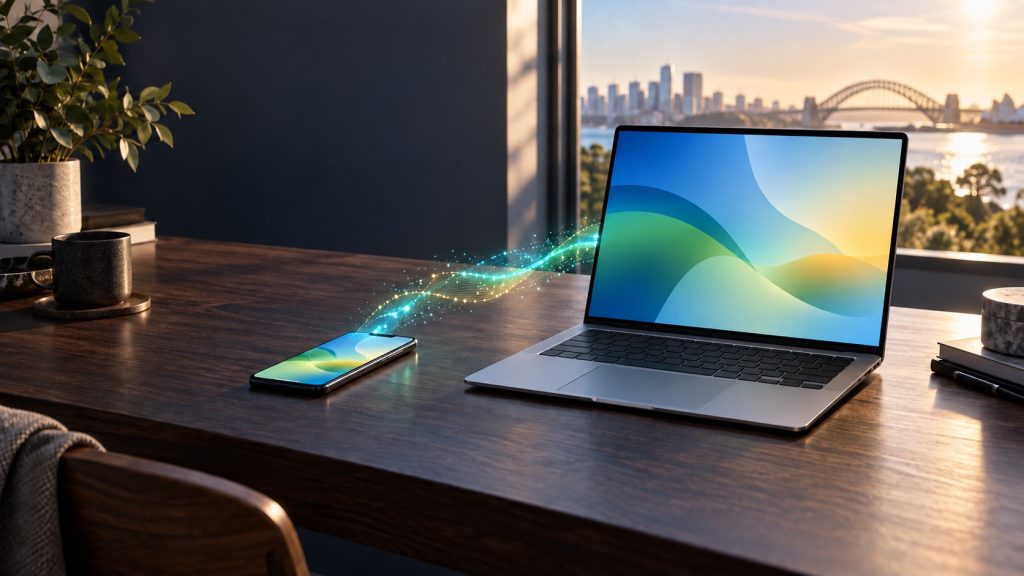
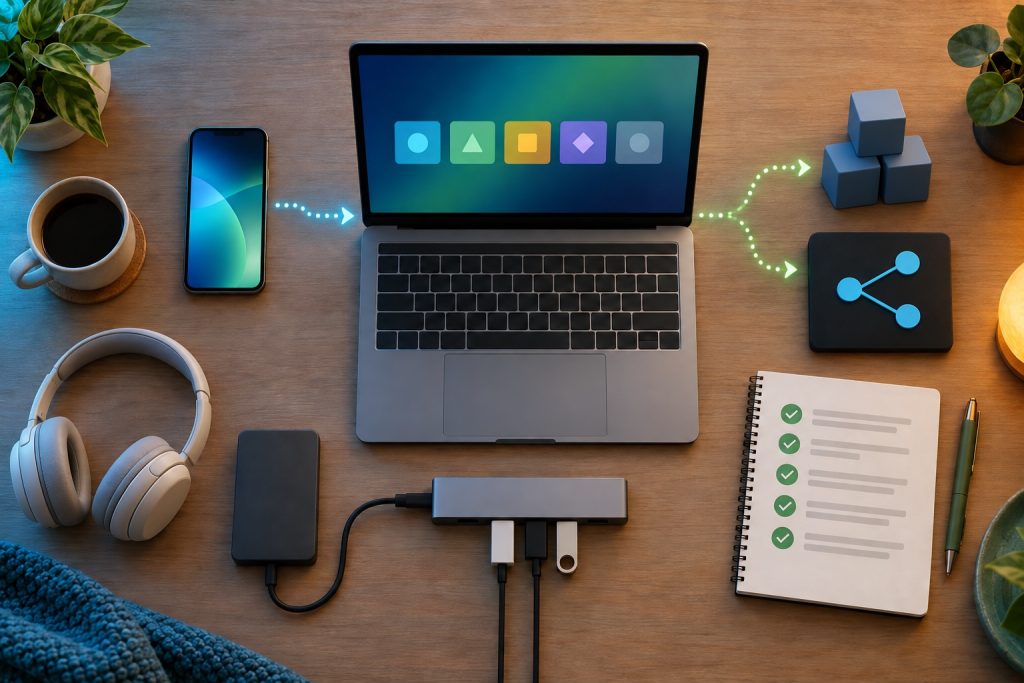
Editorial disclosure: this article was prepared with AI assistance and checked against the linked official sources. TechPulse did not receive or test a Googlebook for this guide. Both illustrations are AI-generated concepts, not product photos, screenshots or evidence of testing. Report a correction through our contact page.

✍️ Leave a Comment