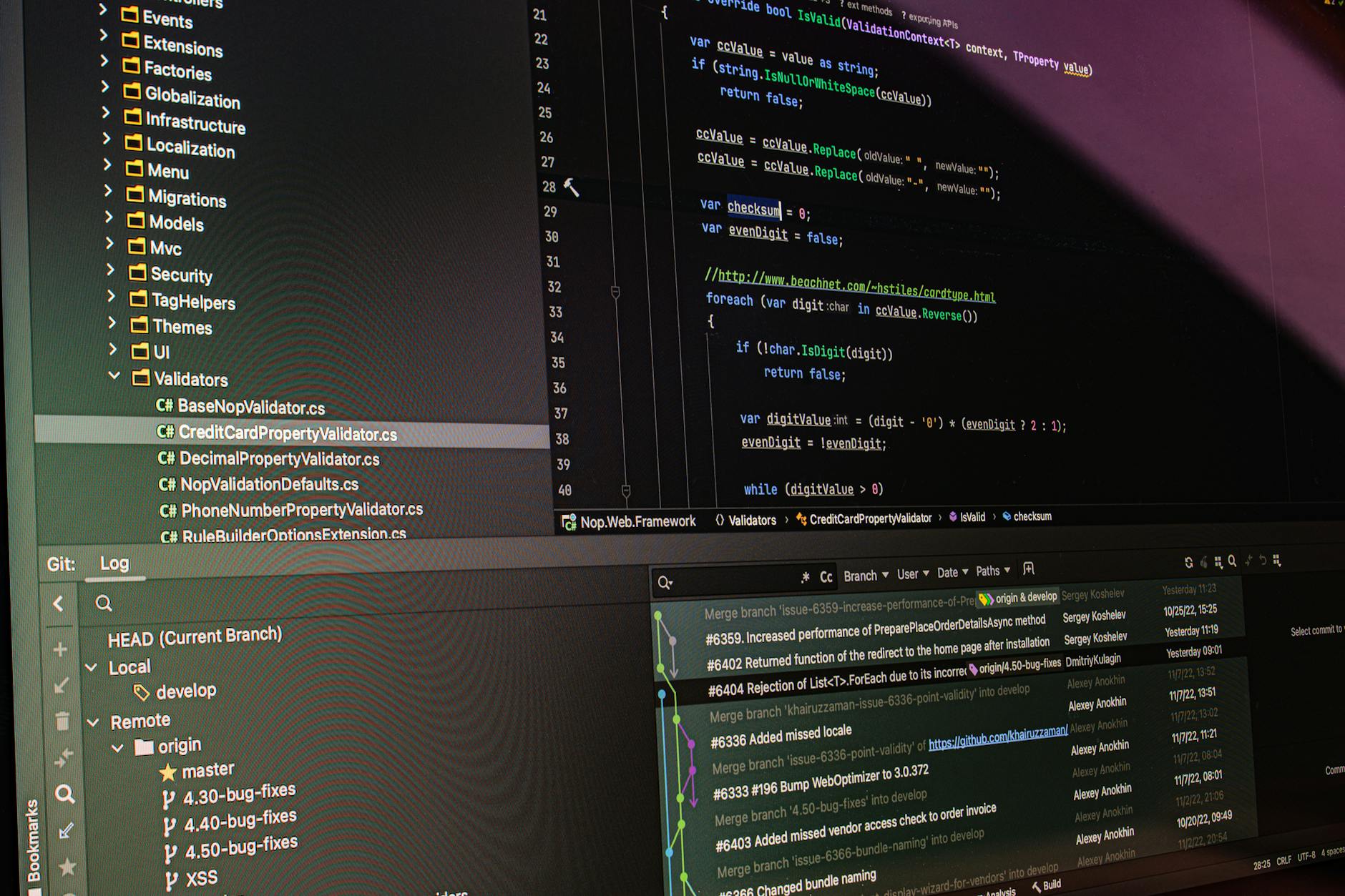
A good Git branching strategy is what separates chaotic codebases from smooth-running engineering teams. In 2026, three strategies dominate: Git Flow for versioned releases, GitHub Flow for continuous deployment, and Trunk-Based Development for high-frequency deploys. This guide explains each with real team scenarios.
📋 Table of Contents
GitHub Flow (Recommended for Most Teams)
Simple, effective for continuous deployment. One main branch, short-lived feature branches. Merge via pull requests after code review.
# 1. Create feature branch from main
git checkout main && git pull
git checkout -b feature/user-authentication

# 2. Commit changes
git add -p  # stage selectively
git commit -m 'feat: add JWT authentication middleware'

# 3. Push and open PR
git push -u origin feature/user-authentication
# Open PR on GitHub -> review -> merge

# 4. Delete branch after merge
git branch -d feature/user-authentication
Git Flow (For Versioned Software)
Two main branches: main (production) and develop (integration). Release branches, hotfix branches, and feature branches. Good for apps with scheduled releases.
# Main branches
# main    — production code (tagged releases)
# develop — integration branch

# Start feature
git checkout develop
git checkout -b feature/payment-gateway
# ... commit changes ...
git checkout develop
git merge --no-ff feature/payment-gateway
git branch -d feature/payment-gateway

# Prepare release
git checkout -b release/2.1.0 develop
# ... bump version, changelog ...
git checkout main && git merge --no-ff release/2.1.0
git tag -a v2.1.0 -m 'Release 2.1.0'
git checkout develop && git merge --no-ff release/2.1.0

# Hotfix (from main)
git checkout -b hotfix/security-patch main
# ... fix ...
git checkout main && git merge --no-ff hotfix/security-patch
git tag -a v2.1.1 -m 'Security hotfix'
git checkout develop && git merge --no-ff hotfix/security-patch
Trunk-Based Development (For High-Frequency Deploys)
Everyone commits to main (the trunk) at least daily. Feature flags hide incomplete work. Used by Google, Facebook, and Netflix for 100+ deploys/day.
# Short-lived branches (less than 1 day)
git checkout -b fix/null-pointer-api
git commit -m 'fix: handle null user in API response'
git checkout main
git merge fix/null-pointer-api  # merged within hours

# Feature flag pattern for incomplete work
# Code ships to main but feature is off by default
# Turn on per user, per region, per % of traffic
Commit Message Convention
Conventional Commits make changelogs automatic and CI smarter.
# Format: <type>(<scope>): <description>

git commit -m 'feat(auth): add OAuth2 Google login'
git commit -m 'fix(api): return 404 when user not found'
git commit -m 'docs(readme): update installation steps'
git commit -m 'chore(deps): bump fastapi to 0.115'
git commit -m 'refactor(db): extract query builder to service'
git commit -m 'test(auth): add integration tests for login flow'

# BREAKING CHANGE:
git commit -m 'feat(api)!: rename /users to /accounts'
# The ! signals breaking change, auto-bumps major version
Useful Git Commands for Teams
# Clean local merged branches
git branch --merged main | grep -v main | xargs git branch -d

# Interactive rebase (clean up commits before PR)
git rebase -i HEAD~3

# Stash work in progress
git stash push -m 'WIP: login form'
git stash pop

# Cherry-pick specific commit to another branch
git cherry-pick abc1234

# See who changed what line
git blame -L 50,60 src/auth.py
Which Strategy to Use?
- GitHub Flow: Startups, SaaS, continuous deployment
- Git Flow: Mobile apps, versioned APIs, enterprise software
- Trunk-Based: Mature teams with strong test coverage and feature flags
Conclusion
For most teams in 2026, GitHub Flow is the right choice — simple, fast, and CI-friendly. Adopt Conventional Commits from day one and your changelogs, semantic versioning, and release automation become nearly effortless.
📚 You might also like




🔗 Share this article
✍️ Leave a Comment